


















SpectreLight Material-based Ghost Light for D|S Iray by T0mcat00
Close
Hover over top left image to zoom.
Click anywhere to exit.
Members remain the original copyright holder in all their materials here at Renderosity. Use of any of their material inconsistent with the terms and conditions set forth is prohibited and is considered an infringement of the copyrights of the respective holders unless specially stated otherwise.
No AI - This artwork was created entirely by hand or with traditional digital tools.
Description
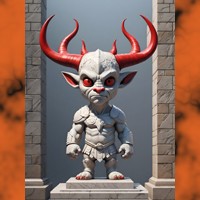
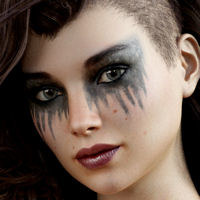
Just a short test of pjz99's https://www.renderosity.com/freestuff/items/98392/spectrelight-material-based-ghost-light-for-ds-iray
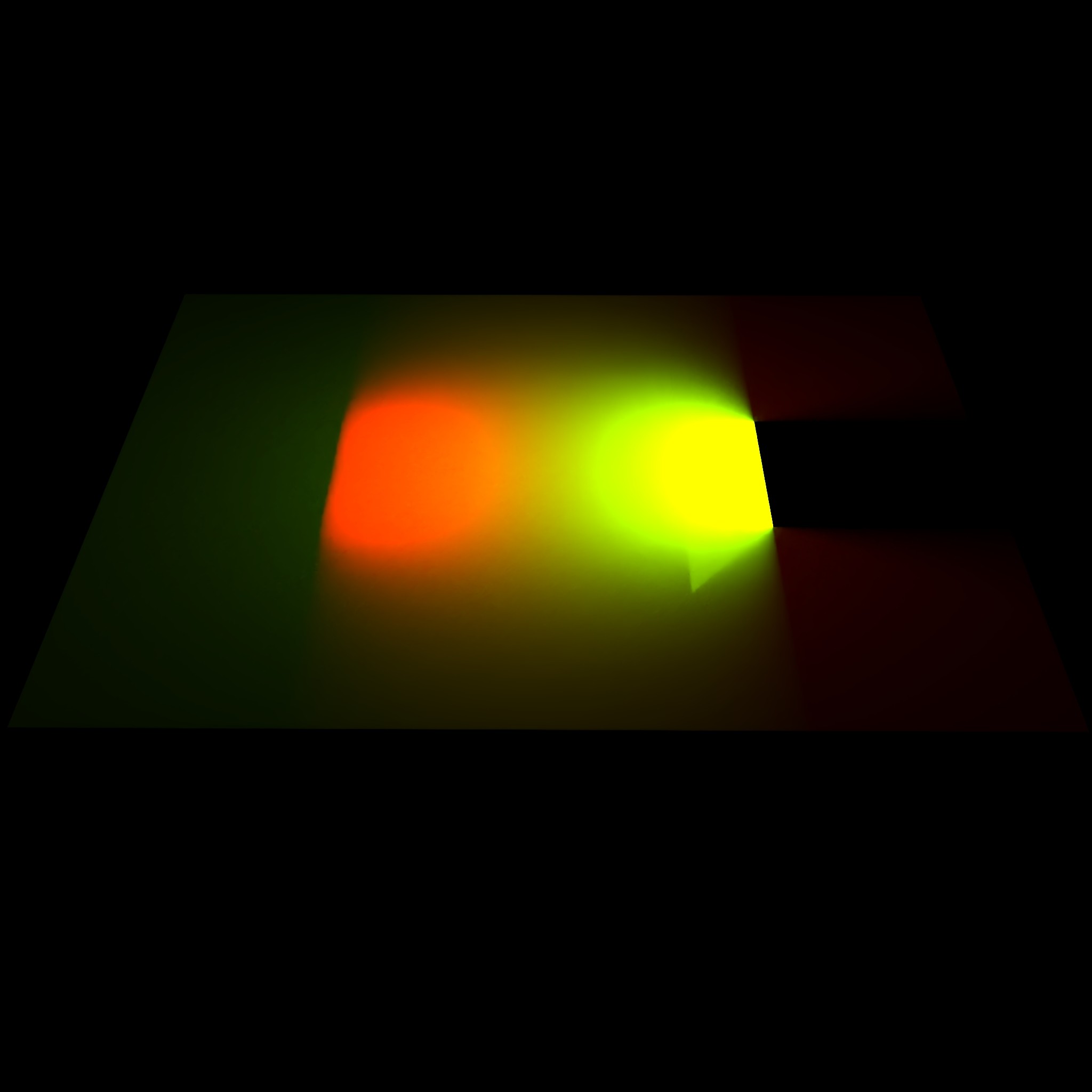
On the right side, producing the green light, is the prop from the "SpectreLight Material-based Ghost Light for D|S Iray" freebie.
On the left side, producing the red light, I put a simple plane of about the size of the prop and used the DAZ "Create Advanced Iray Node Properties" on it.
Both lights have the same luminance value (25 cd/cm^2) and both are positioned within the white plane serving as surface, facing each other and set the same angle (45° towards their opposite prop)
As can be seen, the freebie prop shows a light mirror effect on the ground and blocks the light from the square. This comes (imho) from it lacking the "Enable Iray Matte" setting option.
It's nonetheless a useable prop, but one has to check if it suits one's purpose

Comments (1)
so is there a way to manually just add that "Enable Iray Matte" element to a shader?
Sorry, can't help with that, as I have no experience with building shaders. I'm strictly a user and play around with things.