





















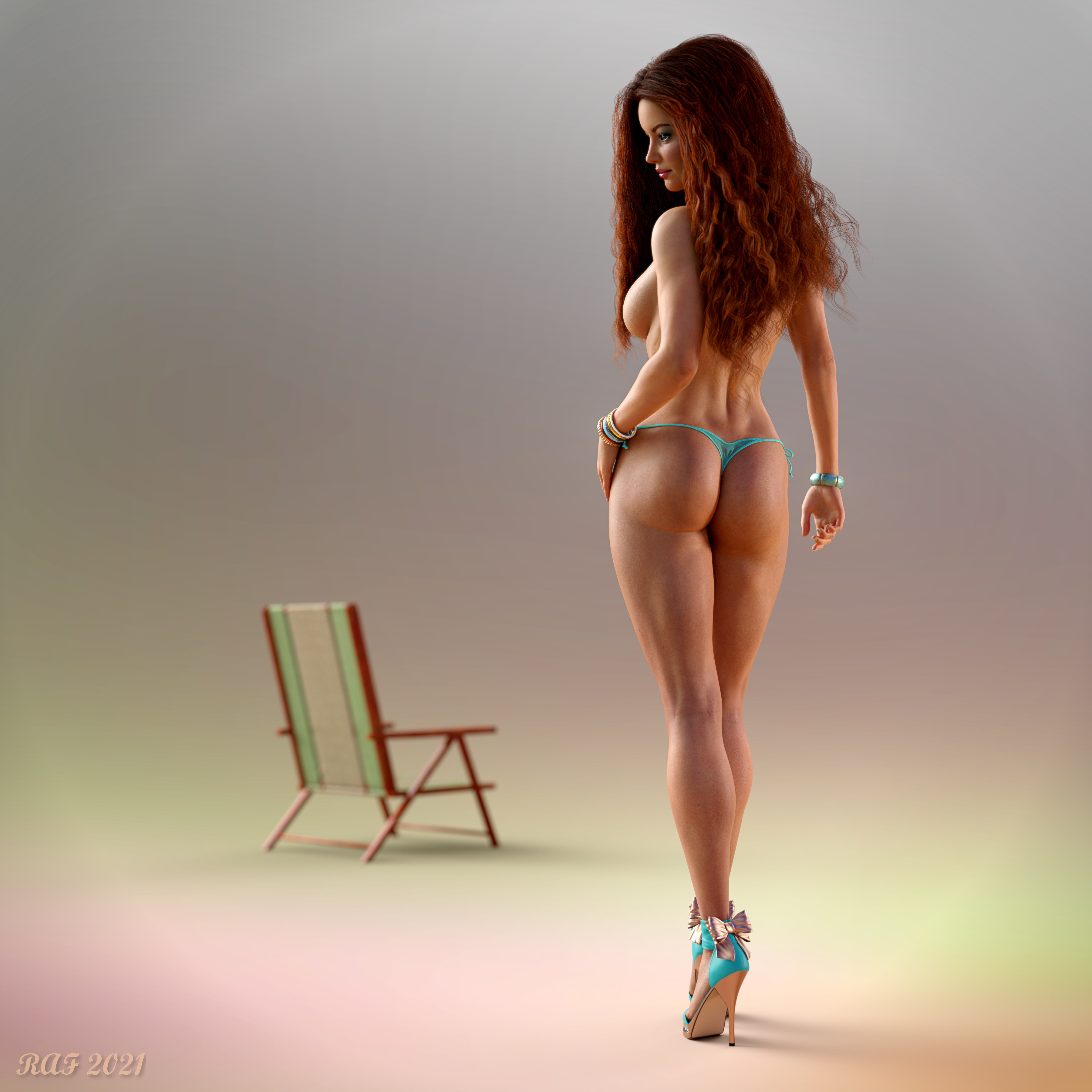
Brianne - Turquois by DustRider
Contains nudity
Content Advisory!
This artwork contains mature content: nudity.
Close
Hover over top left image to zoom.
Click anywhere to exit.
Members remain the original copyright holder in all their materials here at Renderosity. Use of any of their material inconsistent with the terms and conditions set forth is prohibited and is considered an infringement of the copyrights of the respective holders unless specially stated otherwise.
No AI - This artwork was created entirely by hand or with traditional digital tools.
Description
It's been a loooong time since I've been able to create an image. Finally got a bit of time to make something. I liked the results so I thought I'd share.
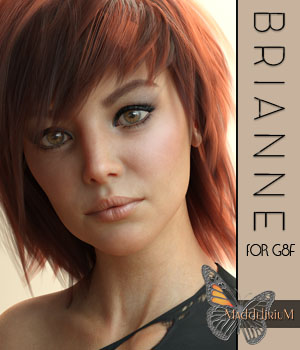
The setup is pretty simple. The lighting is Fast Production Lights (HDRI) from DAZ and a spot light set to be a tall rectangle to provide lighting on her right side. The figure is my version of Brianne from here, with Classic Long Curly Hair. I had to set up a couple of primitive boxes to keep the hair from falling in front of her face during the simulation (using primitives' is a great way to guide the hair during simulation).
Finally got a chance to use a few new Items I picked up during the PC Sale 0 the lighting and her heels. I've got several other items I need to use that I've picked up during the past few months that hopefully I'll get to use fairly soon.
Composed in DAZ Studio 4.xx Pro Beta, rendered using Iray.
I hope you enjoy this image of Brianne. Thanks for stopping by!!

Comments (20)
Exceptional pinup work. 🤪😍
Oh, be still, my beating heart! Glad I saw this after my yearly checkup today - my doctor would have sent me down to the ER for heart palpitations! LOL
She is awesome!
Stunning art and model.
beautiful
Stunning work
She's a beauty and my poor old heart is beating (too) fast ! You should publish a tutorial about using primitives during simulation...
It's actually pretty easy to use primitives. I usually use a cube and rescale it to be a thin box. I could use a plane, but the box is easier to see/position. Then I move it to where I think it will block the movement of the hair/clothing in the right place, parent it to the body part I want it to "protect" then run the simulation. It usually takes me a few attempts to get it "just right". The only thing you really need to worry about is making sure it doesn't interact with anything in the simulation you don't want it to (and that at the begining of the simulation it isn't touching anything in the simulation. Hope this helps!!
Great work on this deceptively simple scene. Super light and textures.
Magnificent working quality, beautiful scene very well done !!
What a gorgeous model!
The simplicity of the scene draws all the attention to her, as it should. When viewed full size, one can see her skin is not that of a perfect 'porcelain doll', but as a real woman's would appear... with all its beautiful imperfections.
Exceptional image and outstandingly done.
time doesn't seem to have diminished the quality and fun nature of your work :) lovely pin up
A minimalist at heart!!! Love the simplicity of the scene and wonderful lighting!
NICE!
Really nice work! Beautiful draping of the hair. PhilW's Femme Fatale Hair (@ DAZ) comes with a smartprop-Faceshield with a few morphs to control pretty precisely if, and if yes, how the hair may fall into the face during draping. I use this very often and did some extra morphs for it, to expand possibilities.
She is stunning and cool work on the scene!!!
Gorgeous pin-up, brilliant awesome render.
lovely
Wonderfully done and glad to see you got the time to share one with us. Be Well and Be Happy !!!!!
Gorgeous!
Super sexy pin-up! Beautiful!
I thought she was alive!!!!!!!!!!!!!!!!!! amazing work again Professional art work!!!